

When Apple announced Spaces for Leopard, I was not that excited. I’ve never been a fan of Virtual Desktops because I thought they would just distract rather than offer any use. You know, another one of these neat looking toy features.
I was so wrong.
After Leopard shipped, I gave it a try and came out with a solution which enhances my work flow and productivity. It is basically just a three-row setup, but since its not that complex you don’t run into any “oh god damn where am I now” problems.
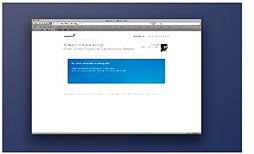
1. Browser and anything else.
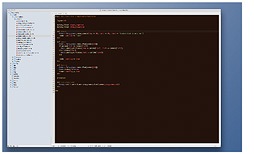
2. Textmate.
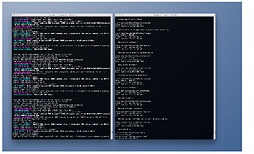
3. Two Terminal windows. Left is the running Rails application where I can quickly make out any weird stuff while watching the log. Right is cd’d to the application directory. Scripts, rake, Git, etc. fit perfectly here.
Using Control-1/3 to switch spaces is fast and simple. Heads-up to Apple for performance! Works flawlessly.
Conclusion
Simple and easy, nothing spectacular. But aligning my applications like this gives me the best solution for not losing the overview on one part of the development process.